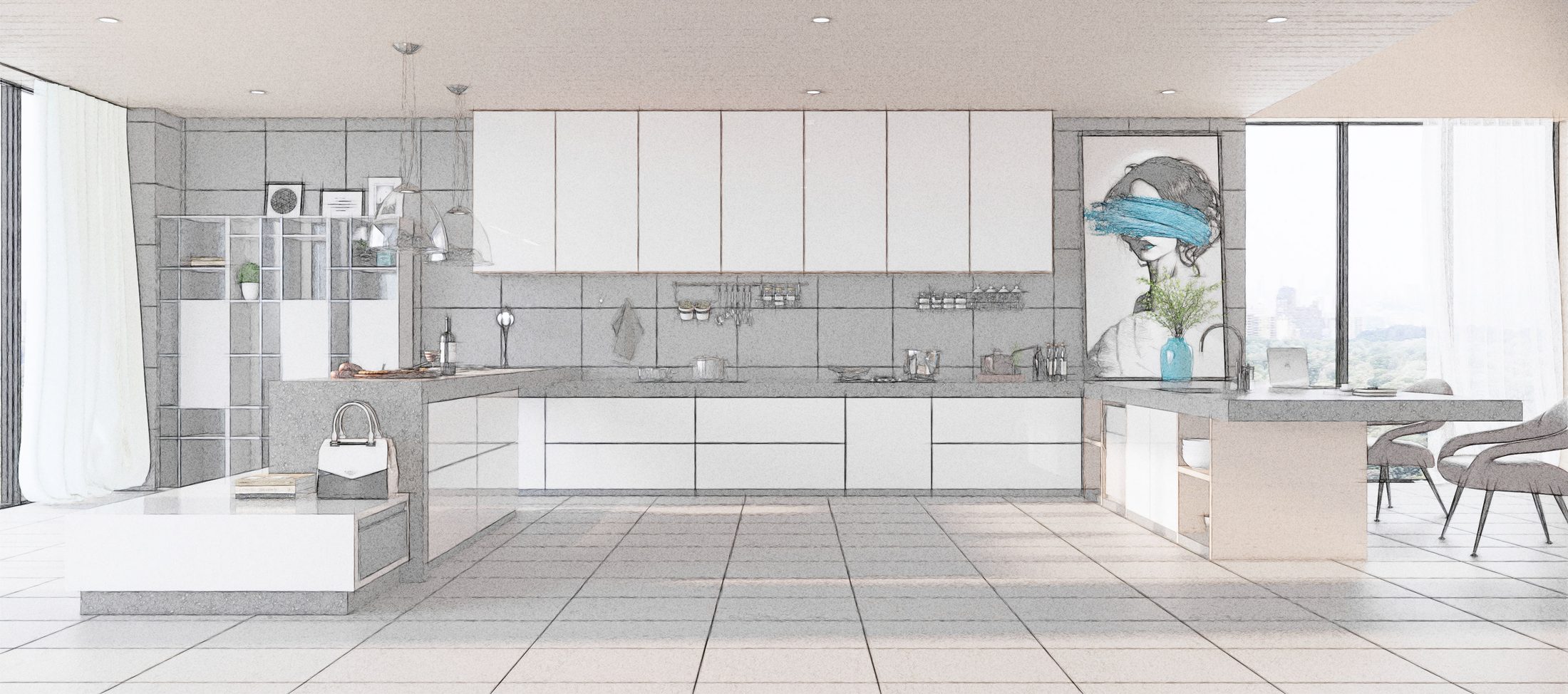
From 3D model straight into production.
CraftReports turns your SketchUp model into the paperwork a workshop actually runs on — cutting maps, part breakdowns, hardware orders and client estimates. No manual re-entry, no dedicated technologist required.
Windows & macOS · Up to 5 computers per licence
Built for small workshops
In a private workshop there is no estimator, no draftsman and no technologist — the maker is personally accountable for the result. CraftReports takes the data straight from the model so it's right the first time.
-
1Cutting maps Export in a format third-party cutting software understands — Cutting, Basis and similar.
-
2Reports & estimates Client-ready documentation generated directly from the model, with no re-typing.
-
3Model library Active subscribers get an online library of detailed, ready-made kitchen models.
-
4Licences for several computers Licence up to five computers on one account and move a licence across when you change hardware.
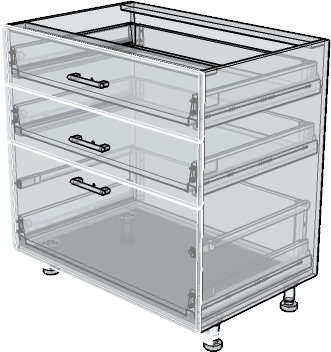
See inside every module
X-ray and constructor modes let you inspect a cabinet's internals without exploding the model — panels, fittings and hardware stay exactly where the design put them.
- Vertical, horizontal, front and radius panel placement
- Rotate textures and edit component options in place
- Pull estimate parameters straight out of finished geometry
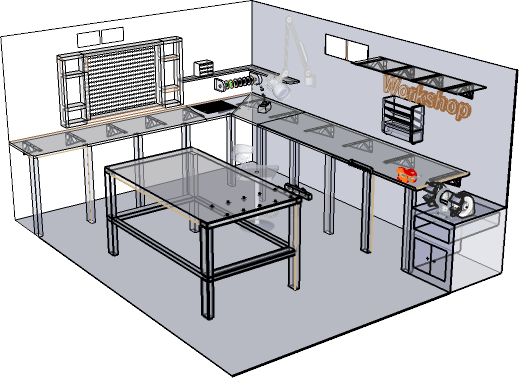
A library that saves the quote
Import a ready-made model into your project in seconds, then generate the numbers you need for a commercial proposal — an effective way to put a compelling offer in front of a client the same day.
- Typical kitchens and modules across a range of styles
- High level of 3D detail, ready for reporting
- Two-second import from the plugin into your project
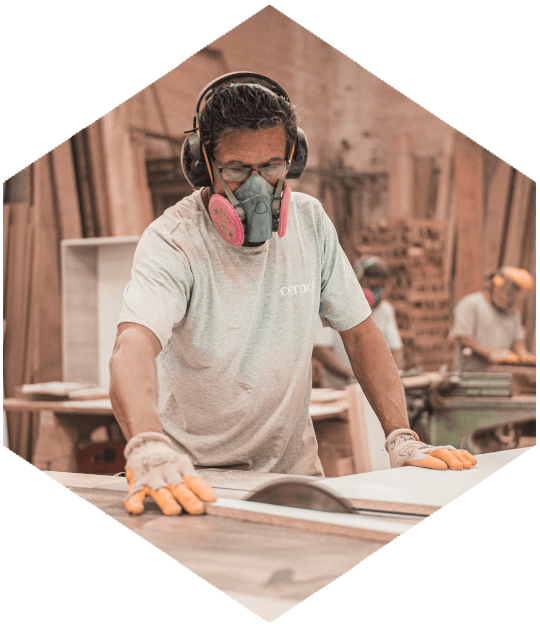
Made in a real workshop
CraftReports grew out of a working furniture shop, building the tooling its own makers needed. Every report exists because someone was filling it in by hand first.
Frequently asked questions
Licences, hardware, activation and downloads.
How many computers can I use with one licence?
Up to 5. The number of computers is set by your plan and can be changed at any time from your account panel; changing it mid-term recalculates your remaining paid time rather than losing it.
I got a new computer — how do I move my licence?
Open the License page in your account panel and reset the device slot bound to your old computer. For security, a device slot can only be reset once every 3 days.
What operating systems are supported?
Windows and macOS.
Do I need to activate my account before logging in?
Yes — after signing up, click the activation link we email you. If you don't see it, check your spam folder.
Where can I download the plugin?
From the License page in your account panel, once you have an active subscription.
What is the online model library?
Active subscribers get access to a library of ready-made, detailed kitchen and module models, importable into your project directly from the plugin.
Still stuck? Get in touch and we'll help.
Start generating reports today
Create an account, activate your licence and download the plugin — you'll be exporting cutting maps from your own models in minutes.
Create your account